Automating AWS Data Protection with Terraform and Clumio
A cloud-native approach to backup as Infrastructure as Code.

Key takeaways
- Managing backup and recovery as Infrastructure as Code helps reduce configuration drift and align data protection with modern cloud deployment practices.
- The Clumio Terraform provider enables AWS accounts, policies, and protection rules to be defined declaratively and version-controlled.
- Tag-based protection automatically protects existing and future resources, reducing manual intervention at scale.
- Defining backup policies in Terraform improves visibility, reproducibility, and governance through standard pull request workflows.
- Especially valuable for multi-account AWS environments and organizations already standardized on Terraform.
The Problem with Console-Based Backup Configuration
In a traditional setup, protecting AWS resources requires connecting accounts, configuring protection separately across services, and repeating that process for each account. Even in well-run environments, this creates repetitive manual configuration, inconsistent policy application, and delayed protection for newly created resources. Terraform already solves this for infrastructure. The Clumio Terraform provider extends that model to data protection.
From Zero to Protected — Using Four Files
Protecting multiple AWS services can be defined using a small set of Terraform files rather than a sequence of manual UI steps.
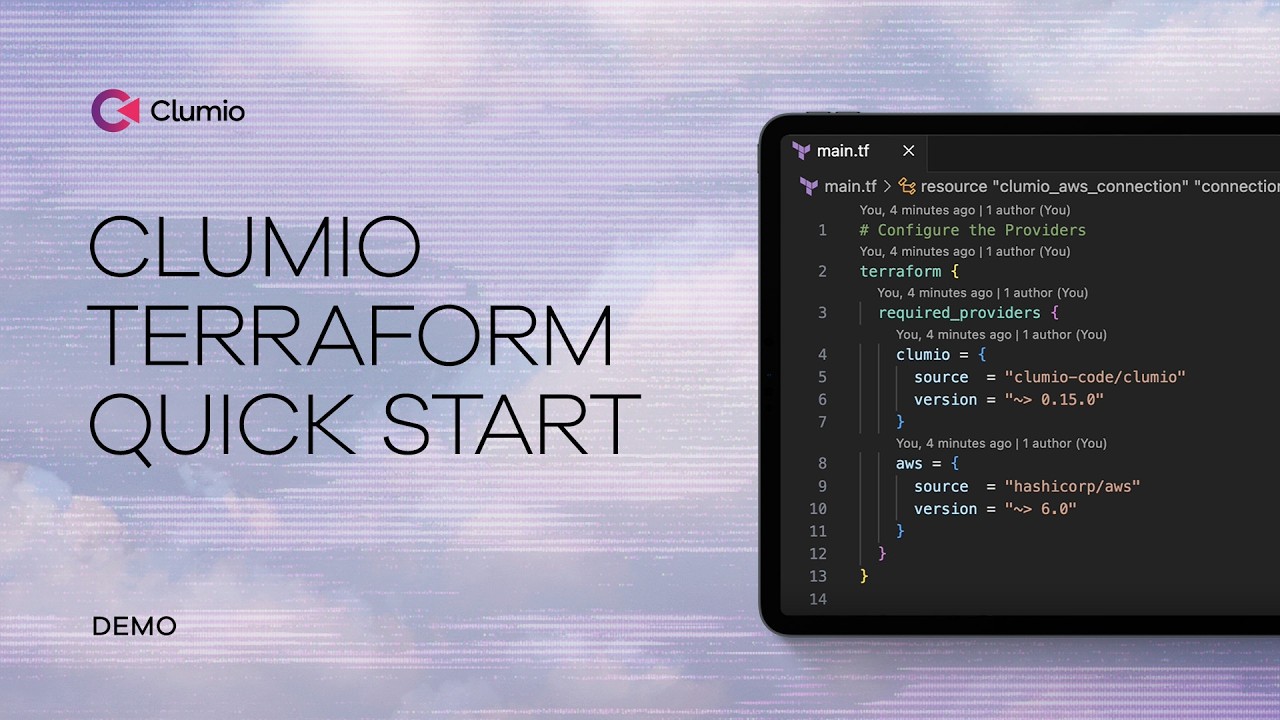
Define Providers (AWS + Clumio)
The first step is declaring the providers.
Terraform needs to know:
- You’re using AWS.
- You’re using the Clumio provider.
This connects Terraform to both platforms.
The official provider documentation walks through this setup in detail in the Getting Started guide.
Connect AWS Accounts to Clumio
Next, the Clumio module establishes the connection between AWS and Clumio. This abstracts away the IAM role configuration required for data protection. Instead of manually configuring roles and permissions, the module handles the integration in a repeatable way.
The provider source code is publicly available on GitHub.
This means your integration is defined in code, version-controlled and reproducible across environments.
Define Backup Policies as Code
Backup policy definition is where IaC shines. In a Terraform-based configuration:
- Different recovery point objectives can be set for different resource types.
- Multiple retention tiers can be defined within the same policy (for example, short-term and long-term retention).
- The same policy can apply automatically based on defined conditions.
Instead of navigating multiple consoles, a single Terraform configuration defines frequency, retention, and resource scope. That policy is reusable and reviewable like any other infrastructure configuration.
Tag-Based Automatic Protection
One of the most scalable elements of the approach is tag-based protection. A protection rule can be configured to automatically protect any resource tagged with a specific key/value pair. For example:
created_by = demo_script
This means:
- Existing resources matching the tag are protected.
- Future resources with that tag are automatically included.
- No manual intervention is required.
For S3 specifically, protection groups also use tags to manage hundreds of buckets as a single logical unit, allowing centralized policy changes at scale. This helps reduce configuration drift.
Why This Matters for Cloud Architects
Version control, reproducibility, reduced drift, clear visibility — all from defining backup in Terraform alongside infrastructure.
When This Approach Makes Sense
Multi-account AWS environments, regulated industries, platform teams managing shared infrastructure, organizations already standardized on Terraform.
Start protecting with Terraform
Review the Clumio Terraform provider documentation and browse the provider source on GitHub.
Related resources
Narrative
Restoring Data While Preserving Terraform State