Restoring Data While Preserving Terraform State: In-Place Recovery with Clumio Backtrack
Aligning Data Recovery with Infrastructure as Code Principles.

Key takeaways
- Traditional restore workflows can create infrastructure drift in Terraform-managed environments by provisioning new resources outside of state.
- Clumio Backtrack is designed to restore data directly into existing S3 buckets and DynamoDB tables, helping preserve resource identity.
- In-place recovery helps reduce the need for manual Terraform imports, endpoint rewiring, and state reconciliation during incidents.
- Aligning recovery workflows with IaC principles helps maintain configuration integrity and operational predictability.
- Recovery design is as critical as backup design for teams operating production environments through Terraform.
The IaC Drift Problem
In a typical restore model, a protected resource is restored as a new resource, Terraform state does not recognize it, and teams must manually import resources into state. For platform teams managing production infrastructure through Terraform, this introduces friction at exactly the wrong moment.
“Recovery design is as critical as backup design. An in-place restore model eliminates the need to reconcile your IaC state during an incident.”
Introducing In-Place Recovery with Clumio Backtrack
Clumio Backtrack restores data directly into existing AWS resources rather than provisioning replacement infrastructure. Supports Amazon S3 and DynamoDB. Restores S3 objects into the original bucket and DynamoDB data into the original table.
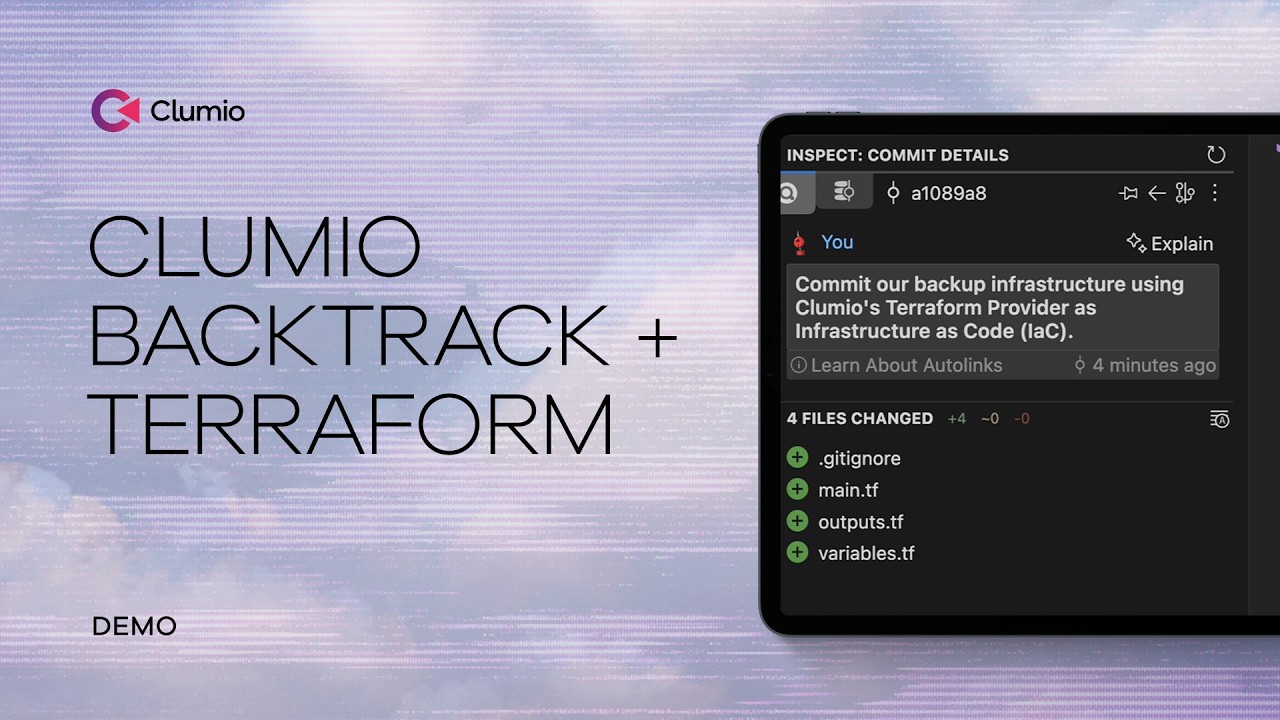
A Practical Example
A production environment managed entirely through Terraform. With Backtrack, recovery occurs within the existing resource boundary, preserving resource identity and eliminating the need to update Terraform state.
Where This Approach Fits
| Scenario | Traditional Restore | Backtrack In-Place |
| Terraform-managed S3 | New bucket created outside state | Restores into original bucket — state unchanged |
| Terraform-managed DynamoDB | New table, manual import required | Restores into original table — no import |
| High-throughput workloads | App rewiring and config updates | Resource identity preserved, no app changes |
| Complex environments | State reconciliation under pressure | State remains aligned throughout recovery |
Try Backtrack with your Terraform workflow
Review the Clumio Terraform provider documentation and explore the Backtrack demo video.
Related resources
Technical blog
Automating AWS Data Protection with Terraform and Clumio